Filter-Link
With the help of a “filter link” it is possible to generate different result lists.
By defining various parameters in the URL, several filter restrictions can be combined with each other.
/type=schema:FoodEstablishment/city=Munich|Frankfurt/cuisine=venus:italian+venus:vegetarian
It is important to understand that for each filter link, regardless of how long it is, all segments must always apply to
the individual data record. This means that in the example above, each data record from the results list must be a
restaurant whose “city” in the address is either Munich or Frankfurt and must offer both Italian and vegetarian
cuisine.
To create a filter link like the example above, the path segments in the filter link must be strung together.
Structure
Slash /
On / divides the individual filter path segments from each other
Plus +
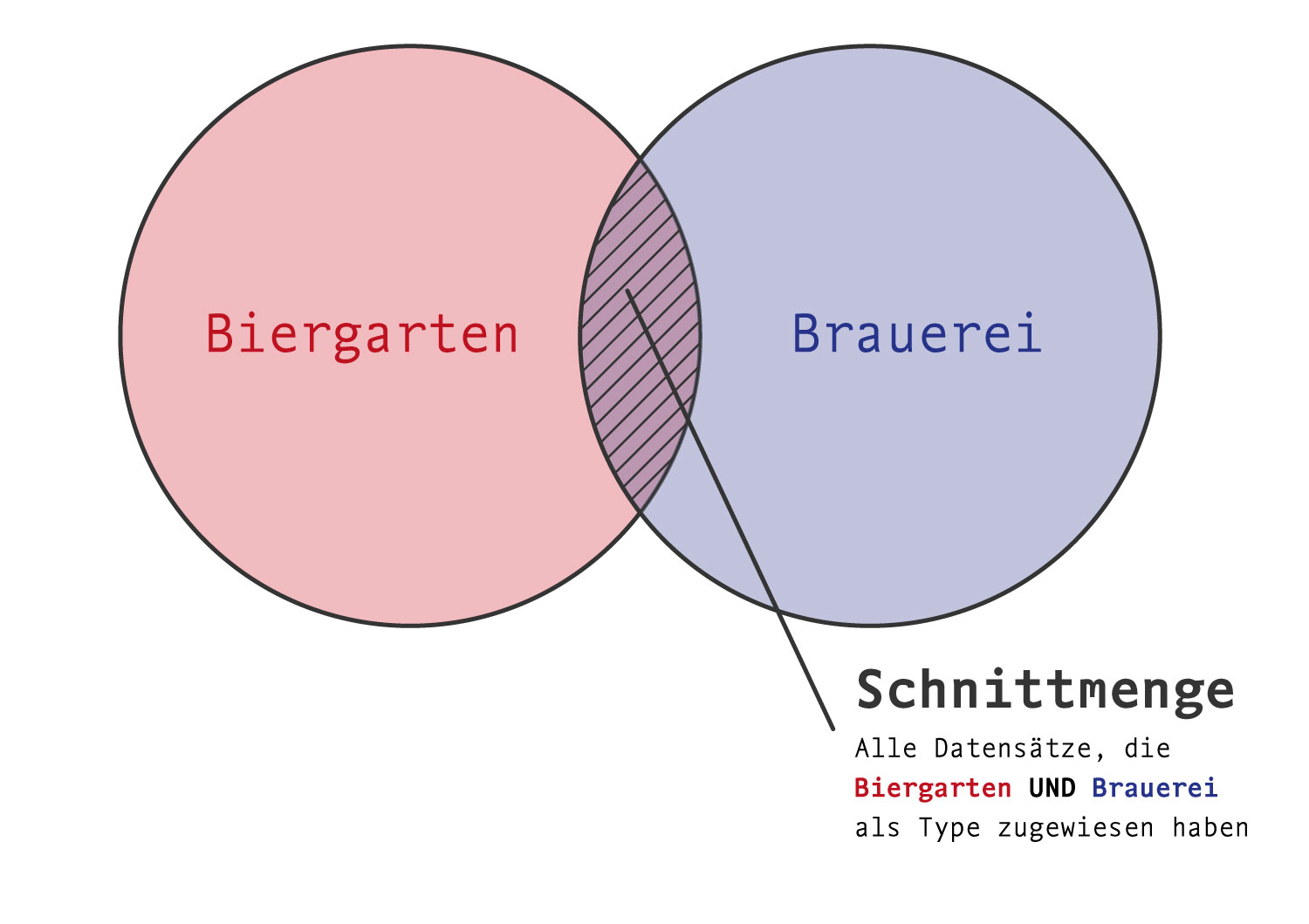
A + forms the intersection of certain properties, all of which must apply to the search results for an entity to be displayed in the result.
/cuisine=venus:italian+venus:vegeterian
Only establishments with vegetarian Italian cuisine
Pipe (vertical line) |
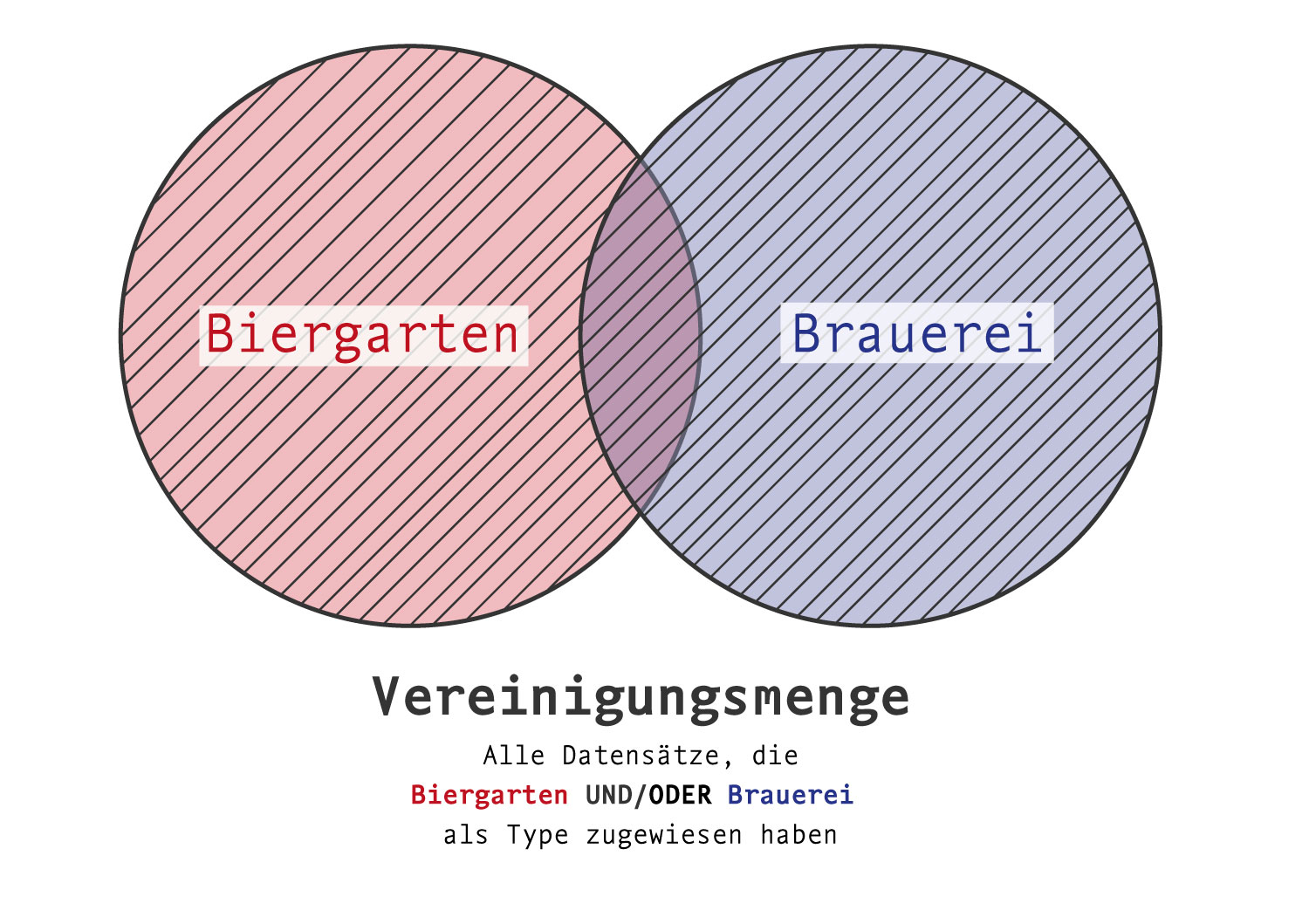
A | forms the union of properties.
/cuisine=venus:italian|venus:vegeterian
All establishments that offer Italian and/or vegetarian cuisine.
Exclamation mark !
All records of a property, excluding a specific property.
/type=schema:FoodEstablishment+!venus:BeerGarden
All catering establishments, except those establishments that have a beer garden as a type (even if they also have another type).
Head over to the Filters to learn more about the different filter types and how to use them.
For sorting the results, head over to the Sorting page.